
The third-party payments report facilitates the completion of the revenue form 46G return. Form 46G is a return to revenue declaring payments to suppliers which exceed a revenue-set threshold.
To generate the Report, complete the below steps:
- Navigate: Navigate to Reports> Third Party Payments.
-
Start Date: Enter the start date of the period that you are completing the Form 46G.
-
End Date: Enter the end date of the period that you are completing the Form 46G.
-
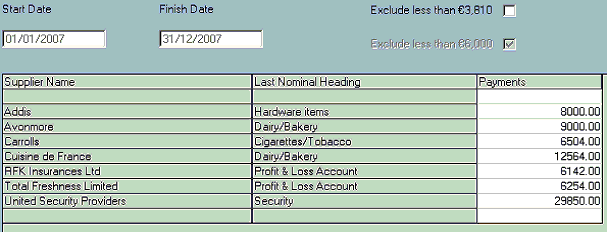
Prepare: Click on Prepare to generate the report. This report shows all payments made to suppliers within the set date range entered.
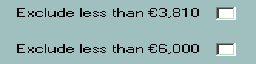
Depending on which accounting period you are reporting the Revenue threshold is either €3,810 or €6,000. The Form 46G requires any Supplier which has been paid in excess of €6,000 be declared to Revenue.Indicate the Revenue threshold which applies by ticking the appropriate box.
 |
Print
 |
Comments
0 comments
Please sign in to leave a comment.