
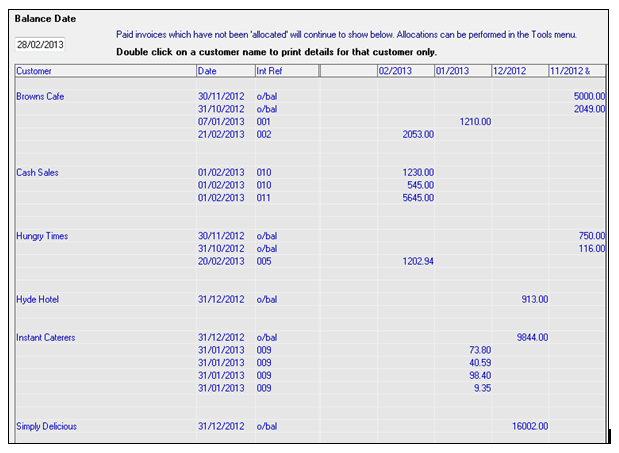
This report reflects outstanding invoices issued to customers as of the balance date specified. This report works in conjunction with the Allocations utility, in that the report will display Unallocated invoices only. Therefore, users must be aware that any Paid invoices that have not been allocated will continue to show in the report.
Note: For help with Customer Receipts/ Credit Note Allocations, please see the specific help topic on this.
Go to Reports > Aged Sales Invoice Listing
-
Enter the Balance Date
-
Click Prepare
-
Click Print if you wish to print the report. Alternatively, double-click on a customer name to print details for that customer only.
-
Click Copy if you wish to paste the report into a Spreadsheet (e.g. Excel etc.). Once you click Copy, click OK. Open your spreadsheet application and select Edit and Paste.
 |
Comments
0 comments
Please sign in to leave a comment.